Apron2Amp
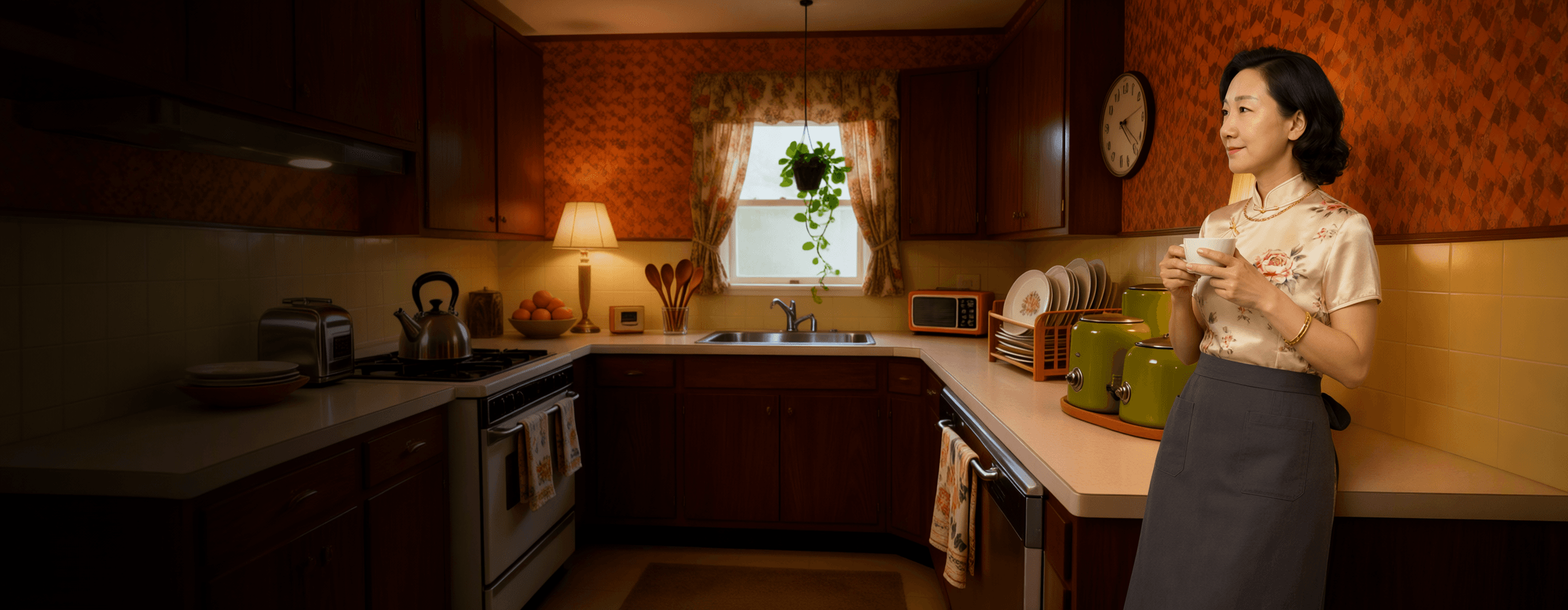
Yuanyue leaning against the counter of a 1970s kitchen, holding a teacup in both hands and looking toward the window

The 20-Minute Producer · Ableton Live 12

Big, cinematic music, made in the hours you actually have.

Twenty nights, about twenty minutes each. Start with nothing installed and finish with a mixed, exported track built from sounds you recorded in your own kitchen. Taught by Yuanyue.

The course

The 20-Minute Producer: Music Production in Ableton Live 12

20 nights in 6 modules, 120 short videos, taught by Yuanyue. About 20 minutes a night: ten minutes watching, ten doing. Each night comes with a one-page cheat sheet (PDF). Lessons 1 to 3 are free to watch.

Start here

Nights 1–3 · free to watch

From nothing installed to a beat of your own that already sounds like a room at night.

  • 1

    Setup night. Live 12 is installed on the free trial, playing through your headphones without crackle, you know the five places in the window, and you have a saved Set that plays a drum kit.Free

  • 2

    Your starter project and the Kitchen Sound Pack. You've opened a real Live project, heard it play, swapped one of its sounds for a kitchen sound you chose, and saved your own copy.Free

  • 3

    Install the free Apron2Amp add-on. The Apron2Amp add-on is installed in your User Library, you can find it in Live's browser, and you've put A2A Night Room on your beat and judged it fairly, at the same volume.Free

First music

Nights 4–7

Four nights that turn a drum pattern into a song of about a minute, exported as a file you can play to someone.

  • 4

    Beats with Drum Rack. You can open a Drum Rack, put one of your kitchen sounds on a pad, draw a one-bar beat in a MIDI clip, shape it with velocity, and grow it into an eight-bar loop with a fill.

  • 5

    Bass and chords. Your beat has a bass line and four chords under it, in A minor, written with Scale Mode on so no note is out of the key, and the chords made by Live's Chord device from single notes.

  • 6

    Melody and Live 12's MIDI tools. You've written an eight-bar melody that follows your chords by starting each chord on one of its own notes, and you've let Live suggest ideas: the Arpeggiator in any edition, and the Seed generator in Standard, Suite or the trial.

  • 7

    A one-minute song. Your loops become a song of about a minute, with an intro, a groove, a full section and an ending: laid out as scenes, recorded into Arrangement View, exported as a sound file, and played to someone. That's Milestone 1.

Your own sounds

Nights 8–11

Where the kitchen becomes the instrument: recording it, cleaning it up, and making it sit together at a volume that wakes nobody.

  • 8

    Daytime capture. You can record clean kitchen sounds on your phone during the day, get them onto your computer in a format Live opens, and record one quiet sound straight into Live at night without waking anyone.

  • 9

    Editing and warping. You can trim your own recordings to the good part, smooth their edges with fades, pick the right warp mode, and lock a recorded rhythm to your song's 90 BPM with warp markers.

  • 10

    Your Kitchen Kit. You've built a drum kit from your own kitchen recordings, with the kettle as the snare, tuned and trimmed each hit, saved the kit as your own Drum Rack preset, and heard your one-minute song play through it.

  • 11

    Effects for quiet nights. You can use EQ, compression, reverb and delay on your song, and you judge every one of them honestly: switched on and off at the same volume, matched with Utility's Gain, so louder never fools you.

Plugins and sound

Nights 12–14

Your toolkit grows past what Ableton ships. Everything named here is free, and nothing in the course ever needs buying.

  • 12

    Your first five free plugins. You know what a plugin is and which format to pick, you've switched on Live's plug-in folders and rescanned, installed TDR Nova and Valhalla Supermassive and heard them on your chords, and you know how to fix a missing plug-in.

  • 13

    Instruments: pads, plucks and strings. You know the four parts of every synth, you've shaped a pad and a pluck in Vital and loaded real strings from BBC SO Discover, and you've layered all three in an Instrument Rack called Night pad with four macros you named yourself.

  • 14

    Cinematic effect racks. You've built one Audio Effect Rack, Cinema, from TDR Nova, Live's Saturator, Valhalla Supermassive and Utility, with one macro that adds space and warmth while keeping the level steady, saved it to your User Library, and used it on one track only.

Finish quietly

Nights 15–18

A loop becomes a finished, exported track, without the volume ever going up.

  • 15

    Ear checks at low volume. You can check a mix the way producers do on headphones at night: at a steady, comfortable level, in mono, at matched volume, against a song you own, and on three different speakers, with an Ear Check rack you built and saved.

  • 16

    Arrangement and automation. Your one-minute song is now a little over two minutes, with a Break that builds tension and a return that releases it, a riser, a hit and a beat of silence as transitions, and automation moving three settings by itself.

  • 17

    Mixing on headphones. You've mixed your full song on headphones at a gentle level, in order: balance, EQ for room, gentle compression and panning, then checked it with lesson 15's Ear Check rack, your reference and the three-speaker check.

  • 18

    Export and quick mastering. Your song has a simple chain on the Main track, a gentle Channel EQ and then a Limiter, and you've exported it as a WAV, an MP3 and a set of stems, knowing what each export setting does.

Make it a habit

Nights 19–20

Two nights whose whole job is to make the twenty-first night happen without us.

  • 19

    Your template and workflow. You've turned your finished song's setup into your own template and made it the Set Live opens by default, you have a short list of shortcuts that matter, one controller knob mapped if you own a controller, and a backup routine you've already done once.

  • 20

    Track two in seven nights. You have a seven-night plan for your second track, one job a night, each night ending with a save, and you've done night one: a new Set from your Night Template with its tempo and key chosen and saved.

Advanced coursesIn the making

Two follow-on courses with Yuanyue, for once the music is finished and you want it heard. Same shape: short lessons, one job a night.

Promoting Yourself: From Kitchen to Social

Side course

Coming soon. Sixteen short lessons with Yuanyue in four modules: release your music, build a simple artist site, show up on one social platform and in a newsletter, and read the three numbers that matter.

See the course page

AI and Music Production

Side course

Coming soon. Fourteen short lessons with Yuanyue in four modules: where AI helps a home producer, which free tools are worth trying, and how to keep your own sound and your rights.

See the course page

Buy The 20-Minute Producer and you never pay twice. Course students complete the set for the difference: your discount is applied at checkout, so the two advanced courses cost you only what you have not already paid for. Both are being made now, and students are told the moment each one opens.

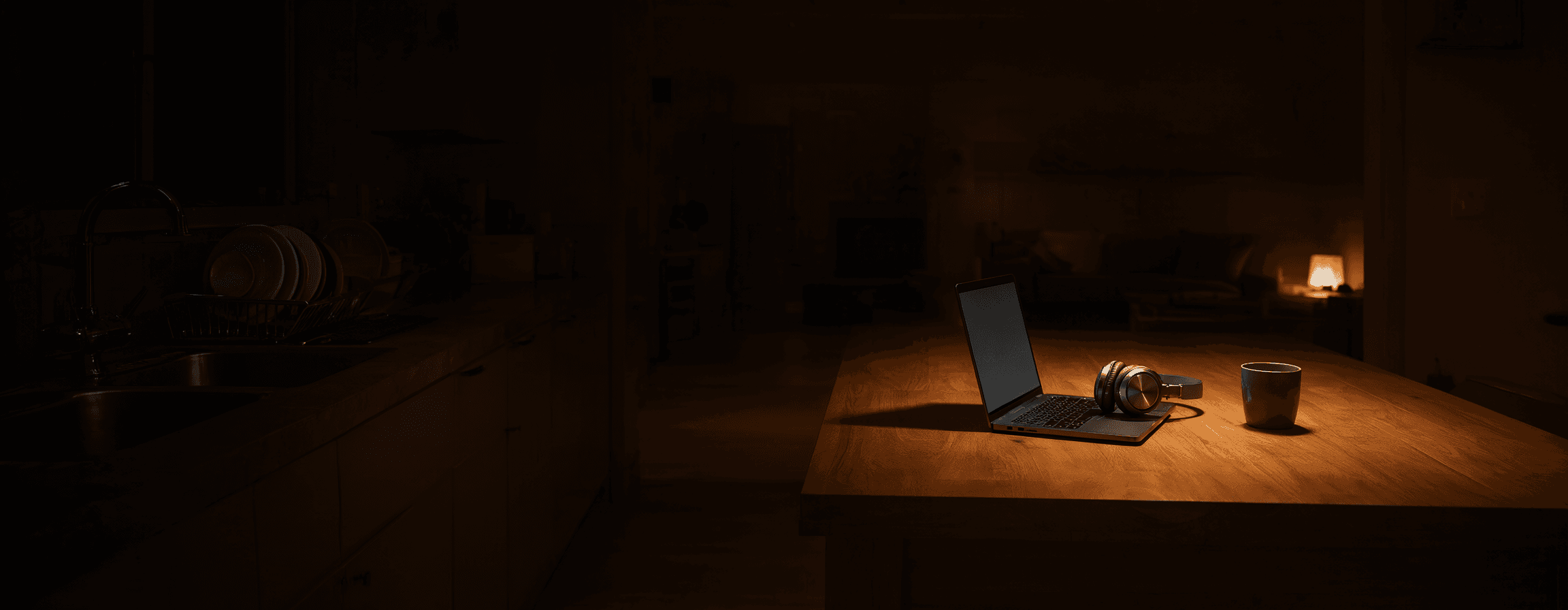
A laptop open and glowing on a kitchen table late at night, the sink in shadow to the left and the living room dark behind

The switch

Nobody needs you for the next twenty minutes.

That is the whole premise. Not a spare evening, not a free weekend. Twenty minutes after the house goes quiet, and a lesson built to fit inside them.

Free to start

Lessons 1 to 3 are free.

Three nights, start to finish. By the end of the third you have Ableton Live running, a beat of your own, and a rack that makes it sound like a room at night. Nothing is a trailer: these are the real lessons.

Start lesson 1 free

Sign up with your email to watch. If the way Yuanyue teaches works for you, the other 17 nights are waiting.

  1. Night 1: Setup night

    Install Live on its free trial and set it up so your headphones sound clean, with no crackle and no delay. A short tour of the window, then one sound played with your own keyboard.

    You save your first Set
  2. Night 2: Your starter project

    Open the project we made for you and press play on an eight-bar beat. Audition the kitchen sounds that came with it, swap the snare for one you chose, and make it yours.

    You save your own copy
  3. Night 3: The free add-on

    Install the Apron2Amp add-on into your library and put the Night Room rack on your beat. Then learn the habit the whole course rests on: judging a change at the same volume.

    Your beat now sounds like a room

Kit for quiet nights

Product reviews

None of it is required. The course is built to work with whatever you already own. But these three come up more than anything else, and each one has a full write-up and a video review behind it.

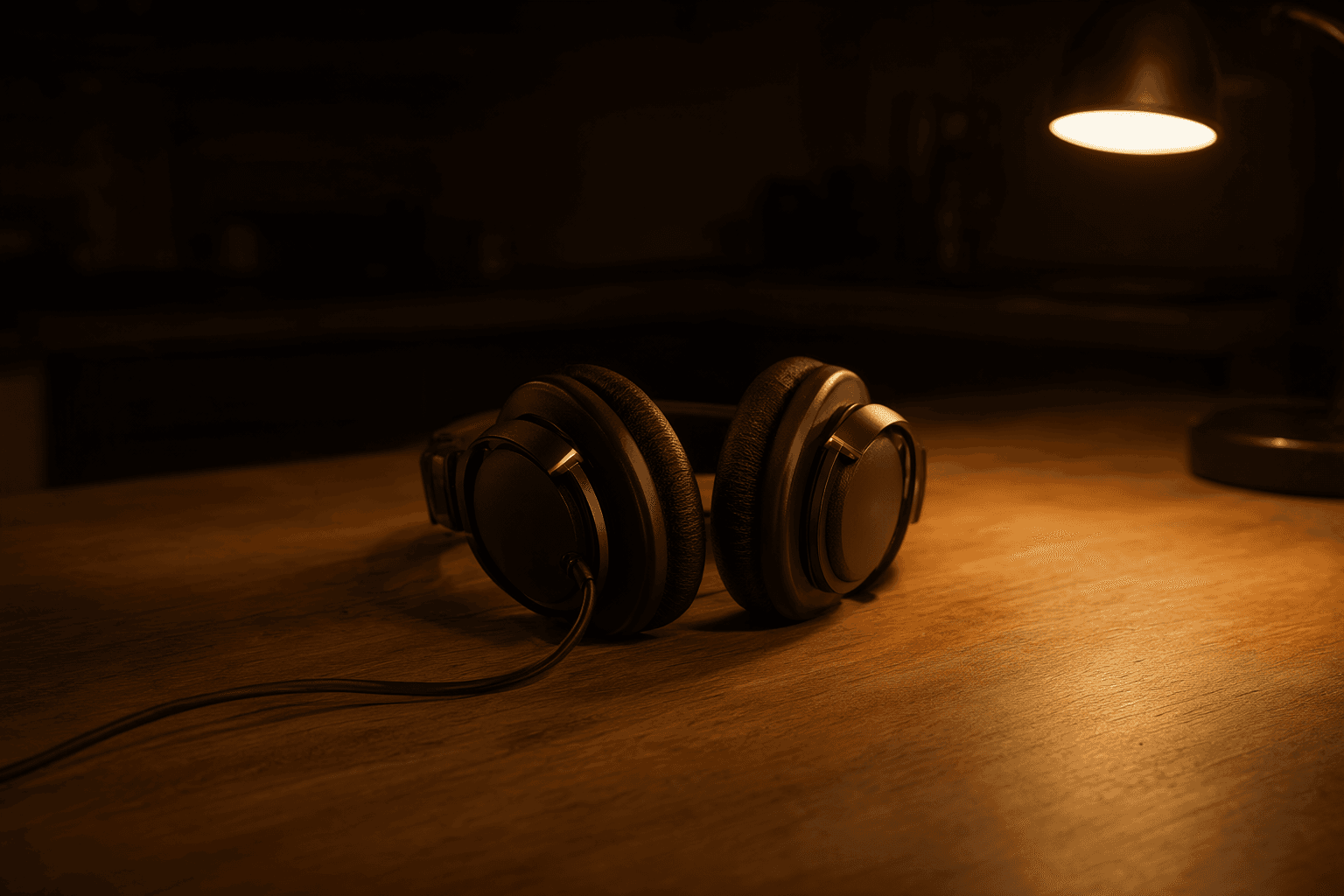
Closed-back over-ear headphones resting on a kitchen table under a warm lamp at night

Headphones

Closed-back headphones for a sleeping house

Closed-back means the sound stays in, and at eleven at night that matters more than any frequency chart. Comfortable enough to forget you are wearing them, and honest enough that a mix made on them still holds up in the car the next morning.

Read the review: Closed-back headphones for a sleeping house
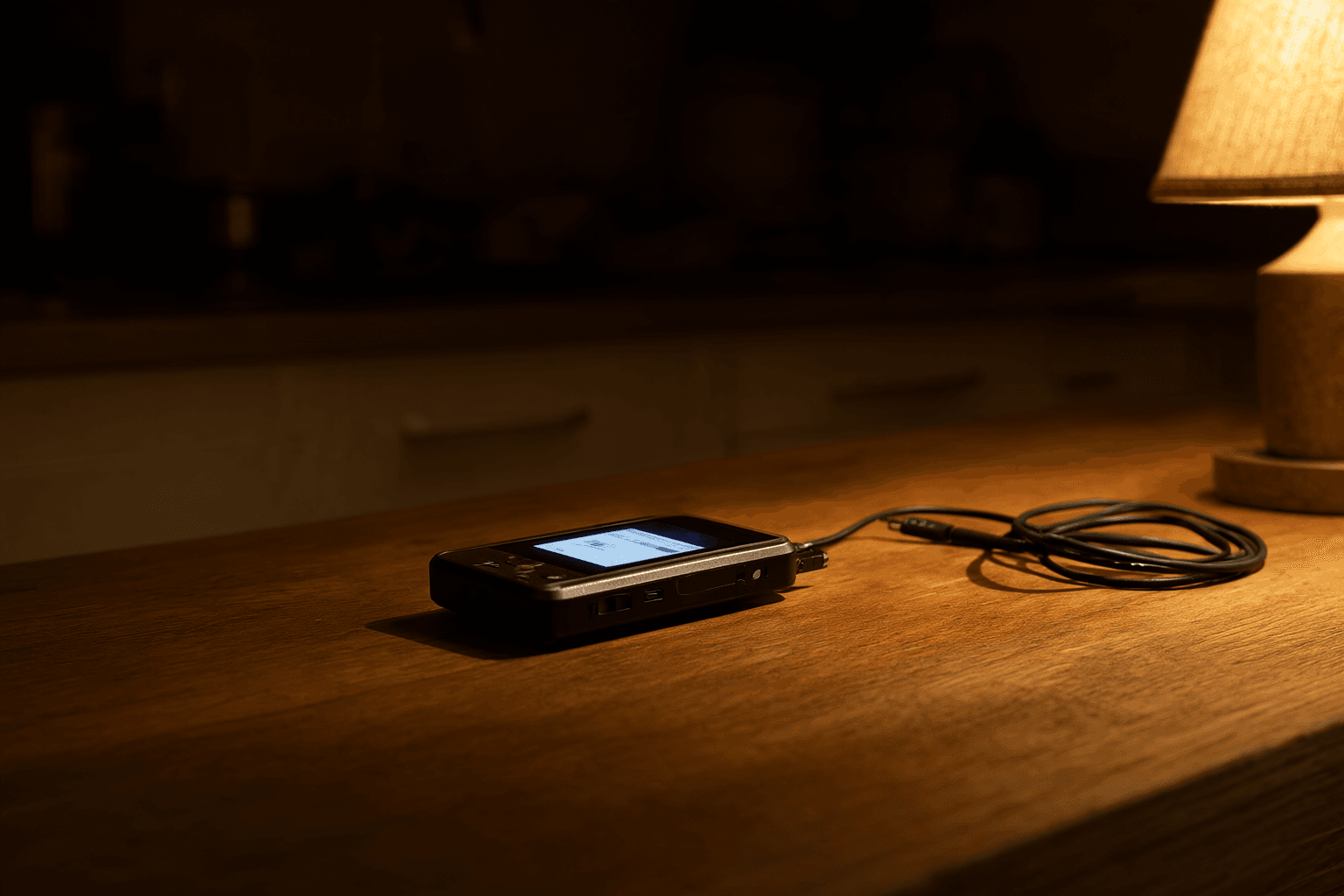
A small portable music player glowing on a kitchen table at night, cable coiled beside it

Pocket player

A small player, so the track leaves the kitchen

Lesson 7 ends with you playing the track to one person. A pocket player with your exports on it means that happens on a walk or in the car, away from the laptop and the headphones you made it on, which is exactly where you hear what is wrong with it.

Read the review: A small player, so the track leaves the kitchen
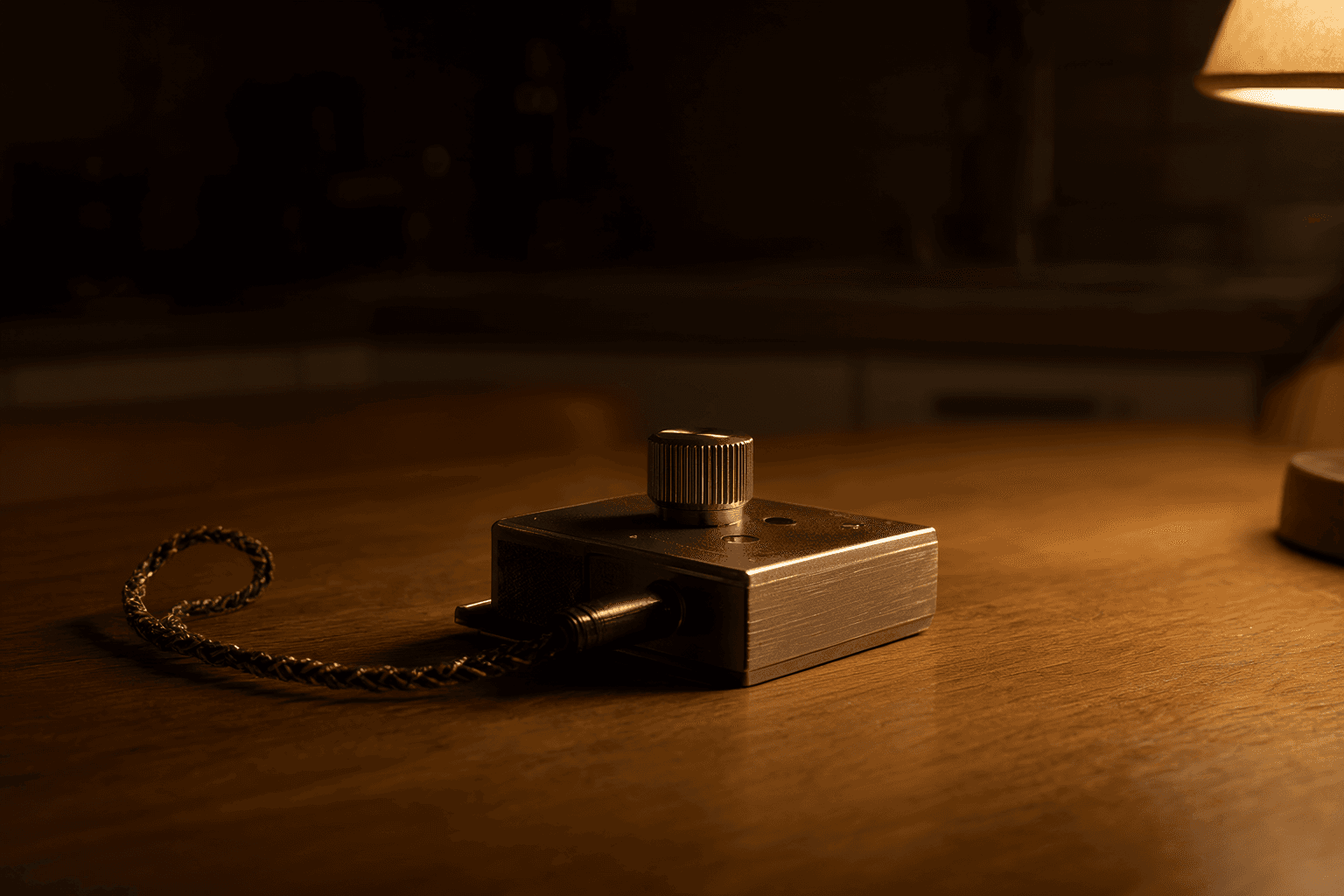
A matchbox-sized metal headphone amplifier with a knurled volume knob on a kitchen table at night

Headphone amp

A headphone amp the size of a matchbox

A laptop headphone socket runs out of room long before good headphones do, and the first thing it loses is the quiet end: reverb tails, the bottom of the bass, the detail the whole course is about. A small amp in between gives it back, and it lives in a drawer.

Read the review: A headphone amp the size of a matchbox

Read the blog

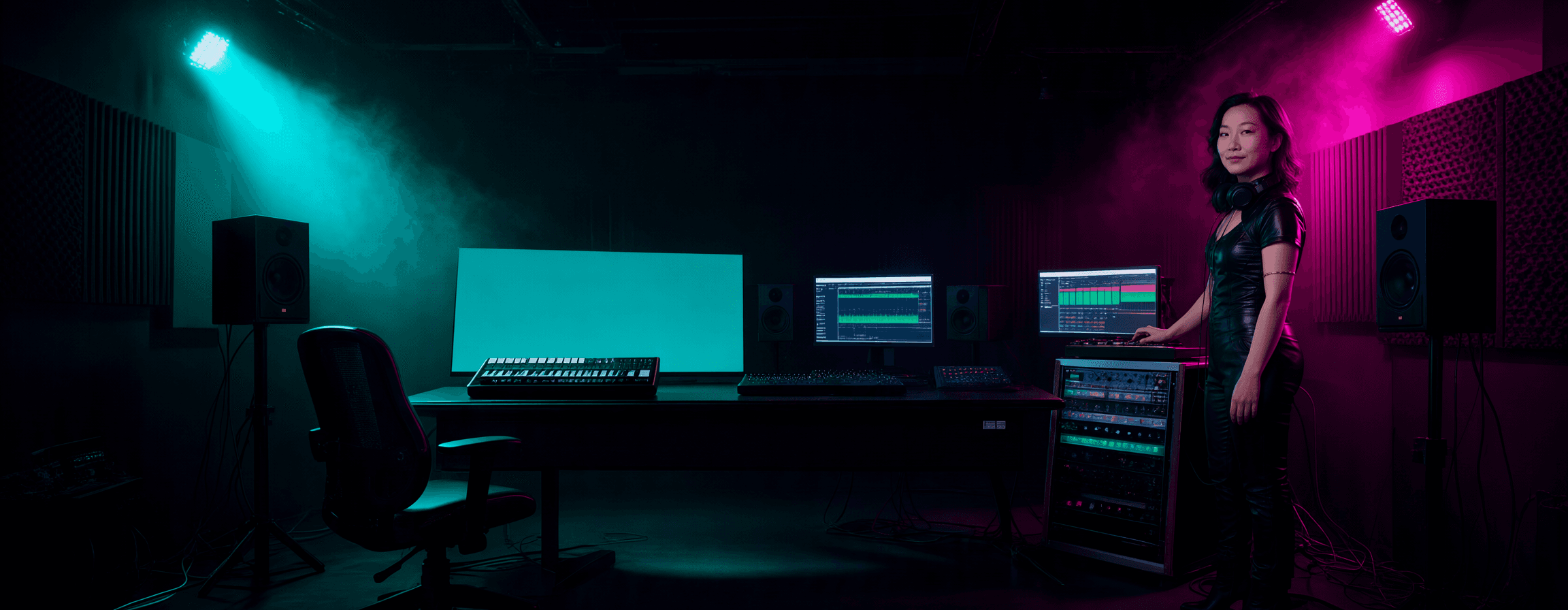
Yuanyue standing at a neon-lit studio console in black technical clothing, teal light on the left and magenta on the right

The whole operation

The One-Person StudioIn the making

Once you can make the music, this is the other half. The site, the course, the shop and the audience, built the way this one was built, with nothing hidden and no agency in the middle.

US$749before tax · one payment, lifetime access

What is inside

Six modules, and every file I used.

Not a theory course. Each module rebuilds a piece of Apron2Amp in front of you, and you end it with the same thing running under your own name. 27 lessons, longer than the twenty-minute format, because these are build sessions rather than nightly habits.

Decide what you are selling

4 lessons · before you build anything
  • Finding the thing you already know that someone would pay for
  • One offer, not five, and how to tell which one
  • Pricing: what a number signals, and why a course is C$139 and not C$39
  • The legal shell: registration, mailing address, sales tax, policy pages

Build the website

5 lessons · you finish with a live store
  • Which platform, and the real monthly cost of each one
  • A brand you can hold: one palette, two typefaces, one good photograph
  • Theme, sections, and the pages that actually sell
  • Writing copy that persuades without claiming things that are not true
  • Domain, email, checkout, and everything that breaks on launch day

Build the course

5 lessons · you finish with three real lessons
  • Breaking what you know into lessons people finish instead of abandon
  • The script format: one job a lesson, fitted to the time you promised
  • Recording and editing with no studio and no crew
  • Cheat sheets and project files, and why they justify the price
  • Hosting, access, and what happens after a refund

Sell it

5 lessons · you finish with your first ten buyers
  • The free-lessons funnel, and why giving away three is the whole trick
  • Email: the only audience you own, and the sequences that go with it
  • Bundles, discounts and refunds without the countdown-timer games
  • Launch: who you tell, in what order, and what to do in week one
  • Reading your first ten customers and changing the offer on what they say

Add the shop

4 lessons · you finish with three products listed
  • Dropshipping honestly: finding suppliers who will not embarrass you
  • The maths: margin, shipping, returns, and when it is not worth doing
  • Product pages, real photography, and recommending only what you would anyway
  • Review articles and video reviews that carry the selling

Be the person they follow

4 lessons · you finish with a month scheduled
  • One platform kept up beats four abandoned, and how to choose yours
  • Making content out of work you are already doing
  • The AI workflows behind all of this, end to end, including what they cost
  • Staying recognisably yourself while a machine does the volume