Blog › Record your day, make music at night
Getting started
Record your day, make music at night
What to record on your phone during the day, how to record it well, and how a kitchen sound becomes an instrument in Ableton at night.
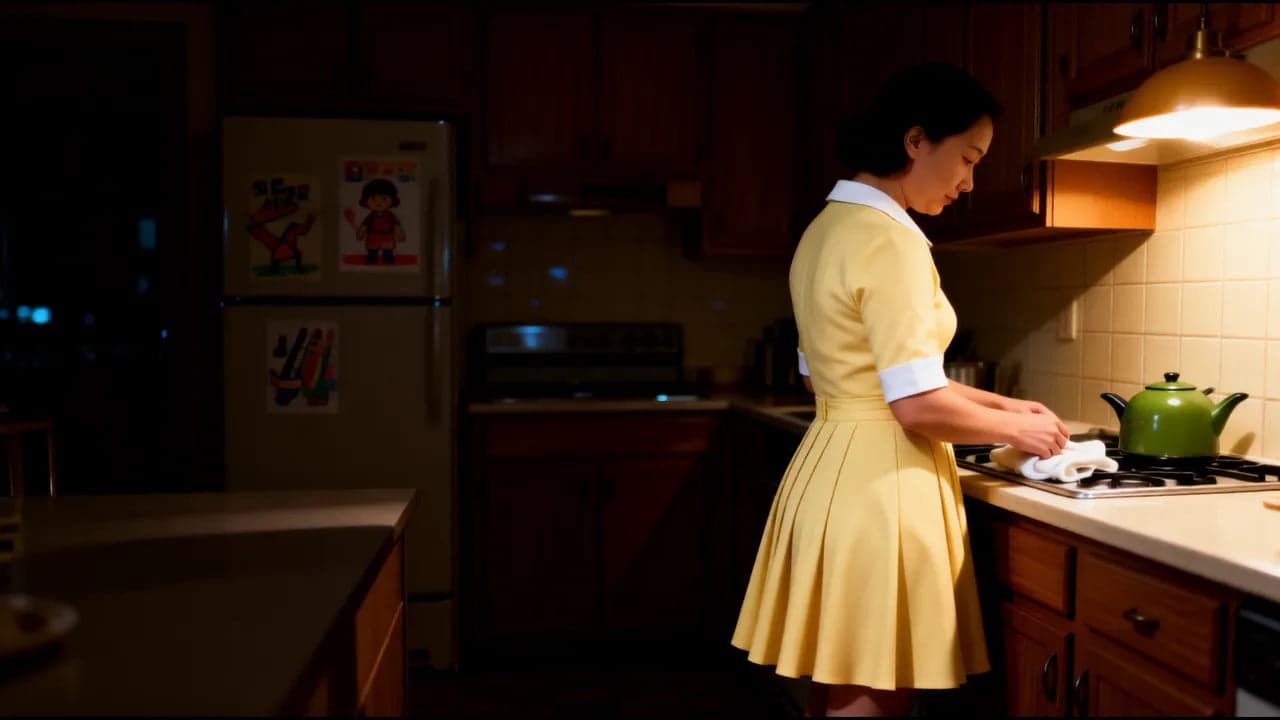
This is the idea at the heart of Apron2Amp. During the day, you collect sounds. At night, you turn them into music.
During the day you rarely have time to make music. But you do have time to notice things, and your phone is already in your pocket. A ten-second recording takes ten seconds. Then, when you sit down in the evening, you’re not starting from an empty screen. You have a handful of sounds that are yours. Nobody else has your kettle.
What to record
Almost anything, but some sounds work harder than others.
- Short taps and knocks. A spoon on a mug, a cupboard door closing, a knuckle on a cutting board, keys dropped on a table. These become drums.
- Sounds that ring or hum. A glass tapped with a fork, a pot lid spinning to a stop, the fridge humming. These can become notes and long, soft textures.
- Your voice. Hum one note, say one word, breathe out slowly. You don’t need to sing.
- A room. Thirty seconds of a quiet stairwell, or rain on the window. This becomes the air behind everything else.
Two rules. Don’t record people without asking them first. And if a radio or TV is on, turn it off. You don’t want someone else’s music hiding inside your sound.
How to record it well
You don’t need any extra gear. You need a few habits.
Find quiet. Turn off the fan, close the window, wait for the dishwasher to finish. Background noise comes along with every sound, and it’s hard to remove later.
Get close. Hold the phone about a hand’s width from the sound. Close enough to hear detail, not so close that it’s touching.
Keep still. Your fingers moving on the phone get recorded too. If you can, set the phone down on something soft, like a folded tea towel.
Leave a little silence. Start recording, wait a second, make the sound, wait another second, stop. That clean gap makes trimming easy.
Do it a few times. Record the same tap three or four times. Each one is slightly different, and later you can pick the best, or use them all so a drum part doesn’t sound like a machine.
Label it straight away. Rename the file before you put the phone away: what it is and where it was, like “spoon-mug-kitchen”. In the evening, “Recording 47” means nothing.
Then get the files onto your computer whichever way you already move photos: a cable, email, or your cloud storage.
How a sound becomes an instrument
This is the broad shape of it. The course goes through it step by step.
Trim it. Drag the file into Live and cut it so it starts right where the sound starts.
Make it playable. Drop the sound onto a MIDI track and Live loads it into Simpler, a simple sampler that’s built into Live. Now you can play your sound from the keyboard. Lower notes play it lower and slower; higher notes play it higher and faster. A tapped glass can become a melody.
Build a kit. Put each tap and knock on its own pad in a Drum Rack, and your kitchen becomes a drum kit you can play.
Give it a space. Add a reverb, and a small dry sound suddenly sits in a big room. This is where everyday sounds start to feel cinematic.
Where this is in the course
Module 3 of the course is called “Your own sounds”, and it’s all about this. Lesson 8, “Daytime capture”, covers recording, on your phone and in Live. Lesson 9, “Editing and warping”, locks recordings to the tempo of your track. Lesson 10, “Your Kitchen Kit”, turns household sounds into a playable kit. Lesson 11, “Effects for quiet nights”, shapes it all with Live’s own effects.
Try this tomorrow
Record three sounds: a voice, an object and a room. Label each one. That’s all.
You don’t have to do anything with them yet. Just notice how different your day sounds when you’re listening for something.
If you’d like to hear when a new article is out, join the newsletter.